
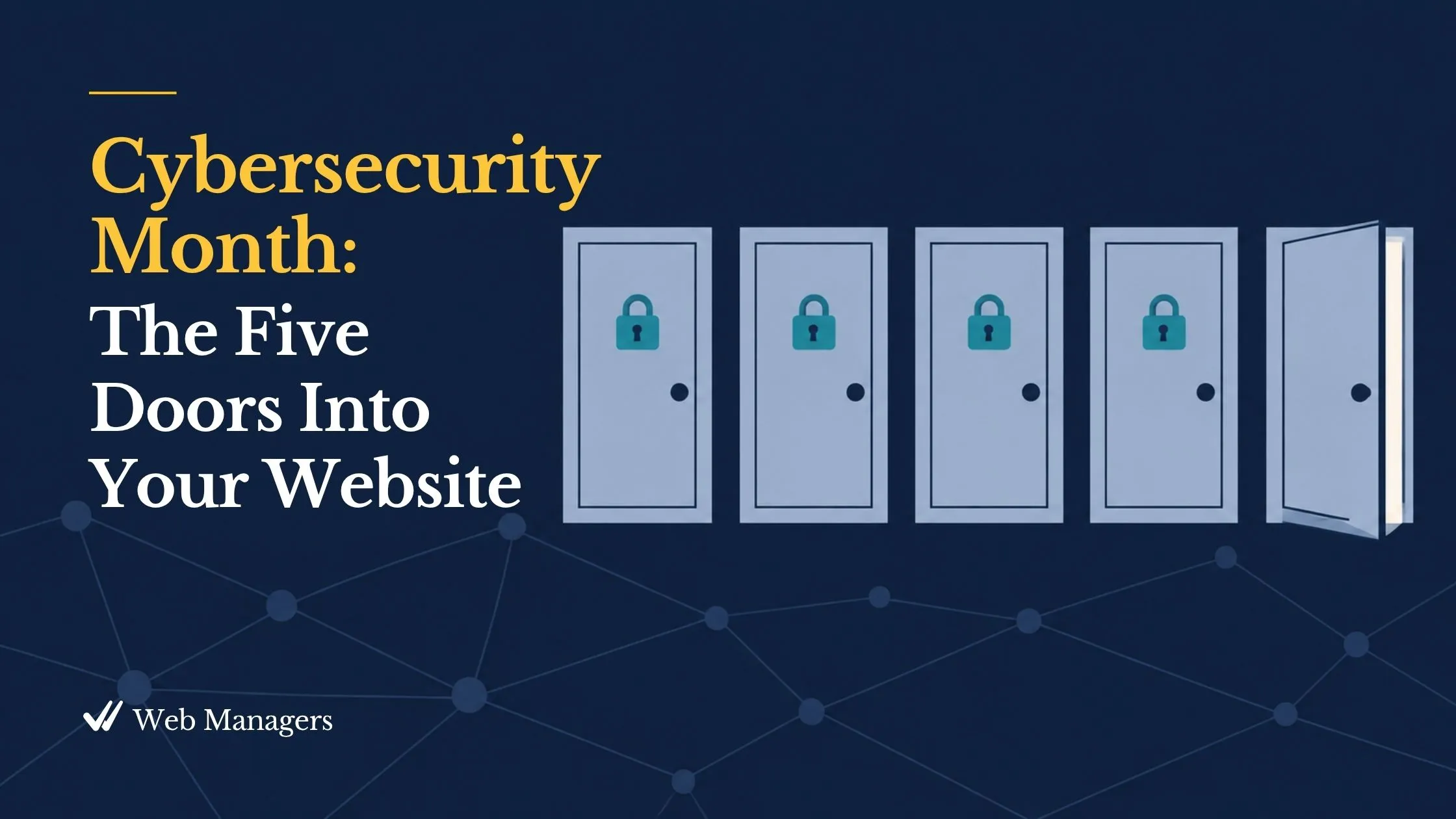
October is Cybersecurity Awareness Month, which means a month of vendor marketing about threats with cinematic names, most of them aimed at organizations nothing like yours. This post is the calmer version. Just this year, several clients have hired me to clean up hacked WordPress sites, and in every case the attacker came in through an ordinary door that an afternoon of work would have closed. None of them was targeted. None of them needed a security expert. All of them needed a short list and a schedule.
The purpose of this post is to name the five doors through which small organizations' websites are actually entered, to explain why size offers no protection, and to show that the defense is dramatically smaller than the security industry suggests. Four of the doors are automated attacks. The fifth is the one most security advice skips entirely, and it is the one this blog has been quietly closing for two weeks.
Bots do not read your About page
Nearly every attack on a small website is automated. Software scans the whole internet, around the clock, for login pages to guess at and for sites running software versions with known weaknesses. The bots read your version numbers, not your mission statement, and they check neither your size, nor your budget, nor your cause.
That reframes the question. Nobody is deciding whether your organization is worth attacking. The bot is asking only whether your site is easier to enter than the next one. The goal is not invisibility, which is impossible, but to raise the cost of getting in above what an automated attacker will bother paying. That bar is lower, and more reachable, than it sounds.
Door one: the guessed password
Brute force is automated password guessing at industrial scale, against every login page the bots can find. They try common passwords, passwords leaked in other breaches, and variations on your organization's name, and they never get tired or embarrassed.
What closes it: a unique, vault-generated password for every account, two-factor authentication (2FA) on anything that can change the website, the domain, or the email, and a login-attempt limit so guessing locks out after a handful of failures rather than a million.
Door two: the outdated plugin
Malware arrives through unmanaged software. When a weakness in a plugin or platform is published, bots begin scanning the web for sites still running the vulnerable version, often within hours. This is the most common way small sites are actually compromised, and the pattern is undramatic: an outdated plugin, a bot that injects spam pages into a corner nobody visits, and weeks later a search result for your organization selling counterfeit pills.
What closes it: the Monday Web Check. Updates applied on a weekly schedule, backed by a backup you have seen, keep the gap between an update's release and its application under a week, permanently.
Door three: the convincing email
Phishing works on people instead of servers: fraudulent messages that imitate your registrar, your host, your bank, or your email provider to trick someone into handing over a password. AI has retired the misspelled, obviously fake version; the modern one reads exactly like the notice it imitates.
What closes it: one habit, taught to every colleague with a login. Never log in through a link in a message. Go to the service by typing its address or using the vault's link, and if the notice was real, it will be waiting there. Pair that with a no-blame reporting norm, because the colleague who says "I clicked something" within the hour is an asset and the one who stays quiet for a week is the incident.
Door four: the contact form
Form spam is bots stuffing your contact and comment forms with junk and malicious links. It is the least dangerous of the five and the most constant, and it matters because it buries the real inquiries your mission depends on.
What closes it: a modern challenge service on every public form, such as Cloudflare Turnstile or hCaptcha, which verify humanity behind the scenes. Prefer them over the older distorted-text puzzles, which torment legitimate visitors, fail accessibility standards, and are solved by modern bots anyway. Install once per form and confirm the form still submits from a phone.
Door five: the key nobody collected
The fifth door is not an attack. It is a former employee who still has administrator access two years on, a shared login three people know, a vendor's personal account that still owns the hosting, and two-factor codes living on one person's personal phone. Security advice tends to skip this door because no bot uses it. People do, and so does ordinary bad luck: a departure, a lost phone, a soured vendor relationship.
What closes it: everything the last two weeks of this blog have built. The inventory that counts every account. The ownership audit that moves each one to the organization's name. Administrator access held by two named people and no more. Access revoked the week someone leaves, and a quarterly review that asks of every name whether that person still works here and still needs that level. Offboarding is a security event, not a farewell lunch.
What to leave out
Just as important is what a small organization can safely ignore. Targeted intrusions, nation-state actors, and exploits with names are real phenomena aimed at other targets. Defending against them is neither possible nor necessary at this scale. An organization that chases exotic threats buys anxiety and tools it cannot operate, while the five ordinary doors stand open. Should your organization someday hold data that genuinely attracts targeted attention, that is the moment to hire expertise rather than improvise it.
The afternoon
The baseline that closes all five doors is mostly free and mostly a schedule: updates weekly, a vault with unique passwords, 2FA everywhere that matters, two named administrators and no shared logins, a free filtering layer such as Cloudflare in front of the site, a challenge on every form, and a backup you have tested. The rest of October walks through each piece, one Monday and one Saturday at a time. Security at this scale is housekeeping with consequences, and the quiet it produces is earned.
Get the triage playbook. The free "Everything Is On Fire" sampler from the Web Emergency Playbook is the one page to open on the day one of these doors was used; it sorts a hacked site from a lockout from an expired domain in under a minute. Get the Web Emergency Playbook, along with the weekly Web Managers letter. The full chapter is Chapter 8 of Strategic Web Management.