
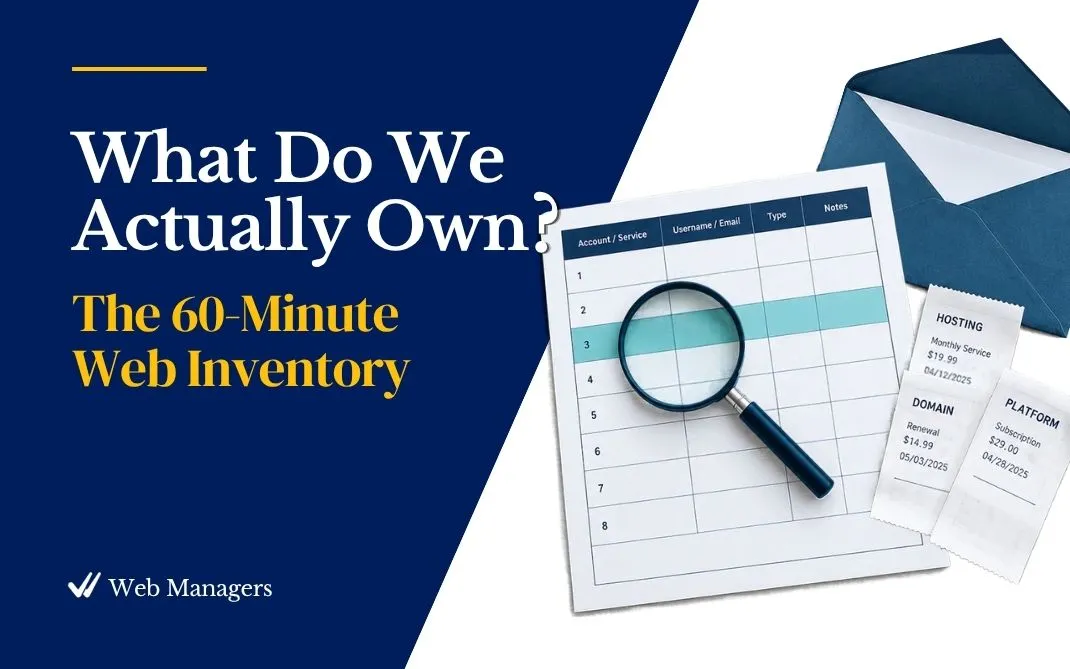
Nearly every web account audit I have run finds the same three things: an orphaned account nobody remembers creating, an auto-renewal nobody knew was charging, and a former employee who still has administrator access. Every organization believes it is the exception. Almost none of them are. Episode 3 of The Web Managers Podcast is the one I would ask you to hear first if I could only pick one, because every later episode runs against the list it teaches you to build.
This post is the companion: the takeaways, the trap the episode slows down for, the myth it takes apart, and the twenty-minute search that starts the whole thing. If you inherited the website recently, this is where the work begins. If you have held the role for years and never written the list down, this is the week it stops living in your head.
What counts as a web account
The perimeter is wider than the website. Your organization's digital presence includes the domain names, the hosting, the platform, the business email, the social profiles, the analytics, the email marketing tool, the payment platforms, the software subscriptions, the integrations wired between them, and the fast-multiplying layer of AI tools someone signed up for last spring. Shadow accounts count too: the Instagram profile an intern created, the scheduling app a volunteer connected. If the organization owns it, rents it, or depends on it, it gets a row.
The discovery hunt
You cannot inventory from memory, and you should not try; memory is what failed the last person. The episode walks a sequenced search of the places where accounts leave footprints.
Start with inbox archaeology. Search the organization's mailboxes, especially any general or admin address, for "renewal," "invoice," "receipt," "welcome to," and "verify your account." Every service you have ever paid for has sent at least one of those messages.
Follow the money next. Pull twelve months of card and bank statements and read every recurring charge aloud. Saying "what is SQSP dot com?" is how many web managers meet their own website builder. Annual charges hide better than monthly ones, which is why a full year matters.
Then let the website testify against its own makers. ICANN Lookup shows the registrar and expiration date. DNS records are a witness list of every service your domain points to. The page footer and the page source often name the platform, the plugins, and the agency.
The trap: access is not ownership
The episode's central distinction is the single most common trap in inherited web stacks. Access is who can log in. Ownership is whose name, whose email address, and whose payment card the account is registered under. The two feel identical on a normal day and behave nothing alike on a bad one. You can have full admin access to a domain registered under a departed employee's personal Gmail, and the day something goes wrong, the recovery email, the verification codes, and the legal standing all belong to a person who no longer works for you.
The fix is a standard, applied one support ticket at a time: accounts owned by the organization, registered to a role-based address the organization controls, billed to an organizational card, with at least two people holding access.
Where everything you find should live
Credentials need a home that is not a spreadsheet titled "Logins." The episode makes the case for a password manager set up organizationally, with shared collections and two named administrators, and for keeping two-factor codes on an organization-controlled device rather than one person's phone. It closes with the "hit by a bus" one-pager: the single page that tells a successor where the inventory and the vault live, who holds emergency access, and the five renewal dates that matter most. That page never contains a password.
Myth busted: "We know what we have"
Stated fairly: you have been here a long time, and you know the website, the email, and the domain. What the myth misses is everything that was never written down, and the inventory usually proves it within the first hour. It also carries a gift. Inventories routinely surface subscriptions nobody uses and duplicate tools doing the same job, and the canceled waste often covers the cost of everything worth buying, starting with the password manager. Leadership rarely gets excited about risk reduction. Leadership always gets excited about found money.
Quick win: twenty minutes of searching
Open the organization's main inbox and any admin mailbox you can reach, and run three searches: "renewal," "invoice," and "verify your account." Log every distinct service that turns up as a row in the worksheet. Do not judge, cancel, or fix anything yet. Just count.
Done looks like a list of every service the searches surfaced, each with one line noting what it is and who seems to own it, and at least one entry that made you say "we pay for what?"
Get the worksheet. The M2.1 Web Account Inventory Workbook is a tabbed register for every category above, with columns for owner of record, access, renewal date, cost, and a risk flag, and it includes the "Hit by a Bus" One-Pager. It is free at with a free account, along with the weekly Web Managers letter.