
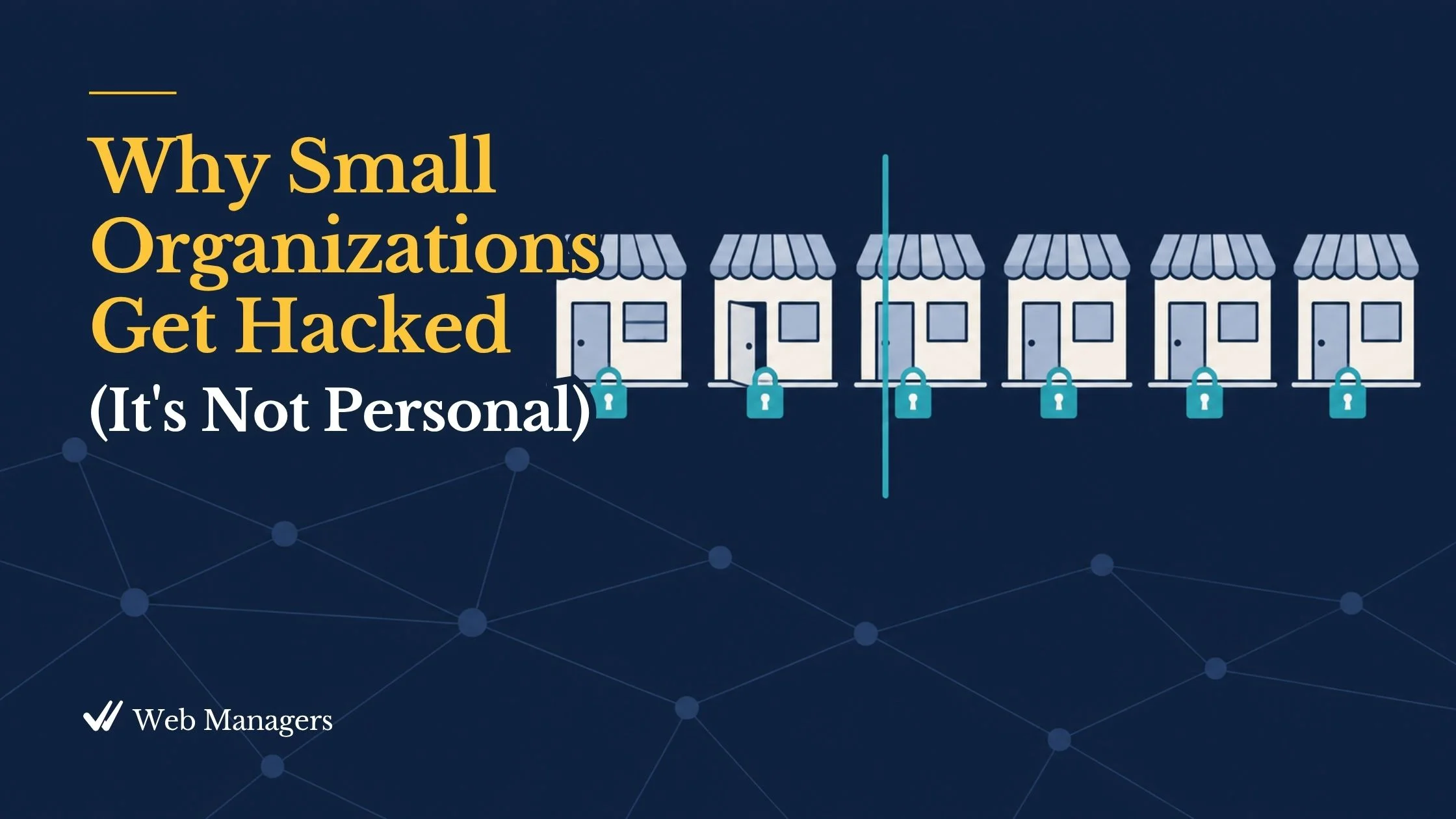
"We're a tiny nonprofit. Nobody is going to bother hacking us." I have heard some version of that sentence from board chairs, business owners, and executive directors for twenty years, and it is reasonable on its face. Why would anyone target a wildlife rescue, a neighborhood bakery, or a church with a hundred members? The answer is that nobody does. That is exactly the problem.
The purpose of this post is to explain how small organizations actually get compromised, why size offers no protection, and why the defense is far smaller and cheaper than security marketing suggests. Understanding the mechanism matters, because organizations that believe they are too small to be a target skip the one afternoon of work that would have made them too much trouble to attack. By the end you should be able to give a board the two-minute version: what arrives, what it looks like when it lands, and the short list of ordinary habits that sends it to the next site instead.
The attacker never looked at your About page
Nearly all attacks on small websites are automated. Software scans the entire internet, around the clock, looking for login pages to guess at and for sites running versions of software with known weaknesses. Bots do not read your mission statement before attacking; they read your version numbers. They check neither your size, nor your budget, nor your cause.
That changes the question. Nobody is asking whether your organization is worth attacking. The bot is asking only whether your site is easier to get into than the next one, and it asks millions of sites a day. Every public website is attacked constantly in that automated sense. The goal is not to become invisible, which is impossible, but to raise the cost of getting in above what an automated attacker will bother paying.
The four attacks that actually arrive
Security threat lists run long in vendor marketing and short in reality. Four attack types account for nearly everything a small organization's site faces.
Brute force is automated password guessing at industrial scale, against every login page the bots can find. They try common passwords, passwords leaked in other breaches, and variations on your organization's name, and they never get tired.
Malware arrives through outdated software. When a weakness in a plugin or platform is published, bots begin scanning the web for sites still running the vulnerable version, often within hours. This is the most common way small sites are actually compromised, and it is why keeping software updated is security policy, not housekeeping.
Phishing works on people instead of servers: fraudulent messages that imitate your registrar, your host, your bank, or your email provider to trick someone into handing over a password. AI has made these messages far more convincing than the misspelled versions most of us learned to spot, as Tuesday's post described.
Form spam is bots filling your contact and comment forms with junk and malicious links. It is less dangerous than the other three and more constant, and it matters because it buries the real inquiries your mission depends on.
What a compromise actually looks like
The pattern repeats often enough to describe in general terms, and what stands out is that nobody in it does anything dramatic.
A site runs a plugin whose vulnerability was published months ago. A bot finds it, quietly injects pages advertising counterfeit goods into a corner of the site, and moves on. The homepage looks normal, so nobody notices. Weeks later the consequences arrive: search results for the organization show pharmaceutical listings or pages in foreign languages, browsers begin flagging the site as deceptive, email starts landing in spam as the domain's reputation drops, and a customer finally asks about the strange page they found.
Cleanup at that point costs days. The update that would have prevented it cost minutes on a Tuesday. That is the whole economics of small-site security.
What to leave out
Just as important is what a small organization can safely ignore. Nation-state hackers, sophisticated targeted intrusions, and exploits with cinematic names are real, but they are aimed at other targets. Defending against them is neither possible nor necessary at this scale. An organization that chases exotic threats buys anxiety and tools it cannot operate, while the four ordinary attacks walk through the ordinary doors left unlocked. If your organization someday holds data that genuinely attracts targeted attention, that is the moment to hire expertise, not to improvise it.
Two myths worth retiring
The first is the one this post opened with: "we're too small to be a target." Bots attack platforms, not brands, and your size never appears in the search.
The second is subtler: "we installed a security plugin, so we're secure." A security plugin on a site with outdated software, shared logins, and no two-factor authentication (2FA) is an alarm on an unlocked door with the key under the mat. The plugin is one useful layer. It does not replace the baseline.
The defense is an afternoon and a schedule
The book's security baseline answers all four attacks, and almost none of it costs money.
Keep the platform, plugins, and theme updated on a weekly schedule; that closes the door malware uses. Give every account a unique password generated by a password manager, and turn on 2FA for everything that can change the website, the domain, or the email; that defeats brute force and blunts phishing. Keep administrator accounts to the fewest people the work allows, never fewer than two, with no shared logins anywhere. Put a free filtering layer in front of the site, such as Cloudflare's free tier, and a security plugin like Wordfence on WordPress sites. Add a free challenge such as Cloudflare Turnstile to every public form for the spam. And keep a tested backup, because preparation makes a compromise unlikely but cannot make one impossible.
This month's posts have covered most of that list already: the restore test, the vault, the breach check, and 2FA everywhere. If you have done those, your site is now more trouble to attack than most of its neighbors, and the bots will move on.
The real reason it matters
Security at this scale is not a specialty. It is housekeeping with consequences. Every donor who enters a card number, every customer who submits a form, every subscriber who hands over an email address is extending your organization a small act of trust. The baseline is how that trust is honored on nights and weekends when no one is watching. A secure site is quiet, and the quiet is earned.
Fill in the blanks while nothing is wrong. For the day the defenses are tested anyway, the Web Emergency Playbook's hacked-site excerpt is free at [sampler link]. The full chapter, with the security baseline checklist and the incident response one-pager, is Chapter 8 of Strategic Web Management at [Book link], and the baseline checklist is free with a Web Managers account at https://webmanagers.com/register.